United States 2 x 2 in (51 x 51 mm)
Guide · United States · 2 x 2 in (51 x 51 mm)
Resize a photo to 600 x 600 pixels without stretching
To get 600 x 600 px without stretching, crop the photo to a square around the head first, then scale that square down to 600 px. Typing 600 x 600 into a resize box on a rectangular photo squeezes the face. For the DV lottery and the DS-160 the file must also be a JPEG of 240 kB or less.
- Crop, then scale never the other way round
- 240 kB limit of the DV and DS-160 forms
- 50 to 69 % of the height is the head
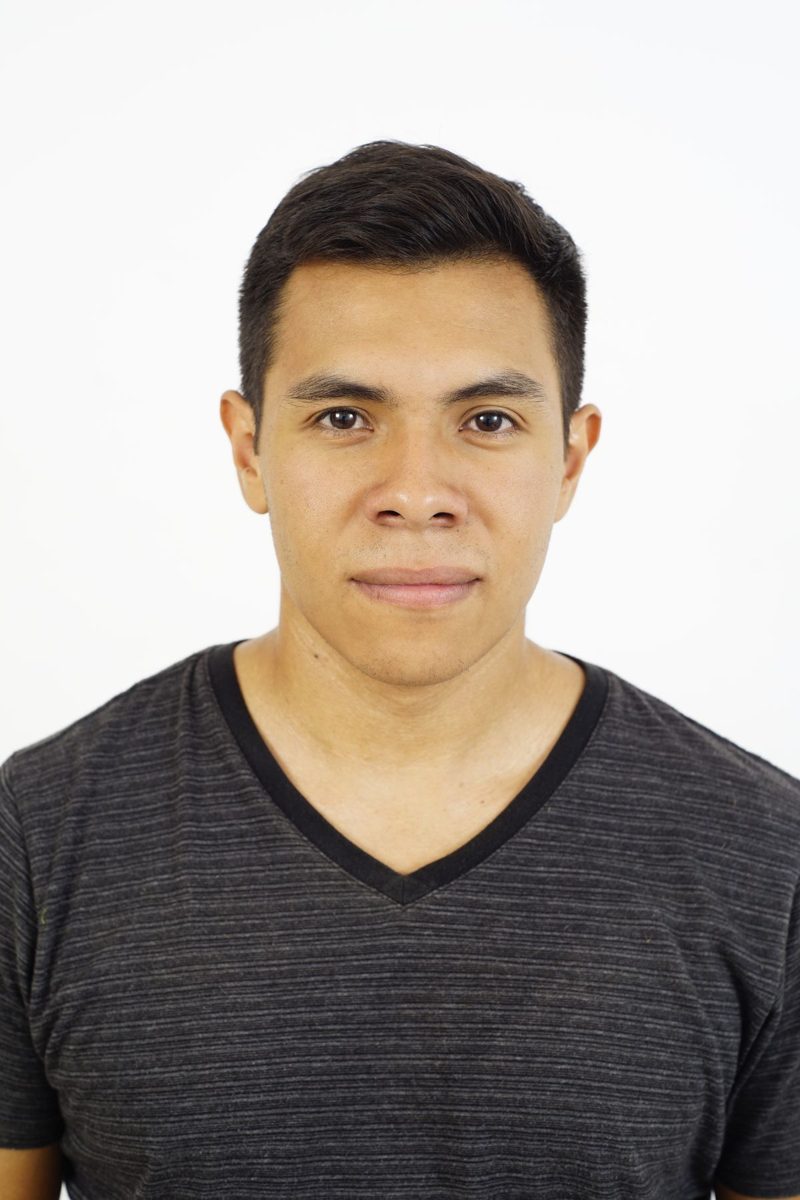
Free preview processed in memory, never stored. Paid files deleted after 24 hours.
What this tool checks
- Checked2 x 2 in (51 x 51 mm) size and head height, at 300 dpi
- Set by youthe framing, with the head and chin guides
- Not donebackground removal: shoot against a plain white wall
- Final saytravel.state.gov (DV photo requirements), see the official photo rules
Fits the e-DV pixel and file-size limits. Entering the lottery is free on the official dvprogram.state.gov site: we sell only the photo file. The State Department decides on acceptance.
What the DV lottery and DS-160 upload ask for
| Shape | square, width equal to height |
|---|---|
| Pixels | 600 x 600 minimum, 1200 x 1200 maximum |
| Format and weight | JPEG, 240 kB or less |
| Head | 50 to 69 % of the image height, top of hair to chin |
| Eyes (DV entry) | 56 to 69 % of the height, measured from the bottom |
| Background | plain white or off-white |
| Source | travel.state.gov, DV photo requirements, check the official page before you apply |
Why a plain resize stretches the face
A phone photo is taller than it is wide. Forcing it to 600 x 600 px changes its proportions, and every face in it gets wider. The file then has the right pixel count and the wrong picture.
The fix is the order of operations. First cut a square out of the photo, placed so that the head fills 50 to 69 % of its height. Then reduce that square to 600 x 600 px. Nothing is squeezed, because a square stays a square.
Getting under 240 kB
A 600 x 600 px JPEG saved at high quality is usually already close to or under 240 kB. When it is not, lowering the JPEG quality a little is enough. The tool does this automatically, step by step, and stops as soon as the file fits.
Cropping and scaling change the frame, not your face. Do not use filters, retouching or skin smoothing on the picture.
Straight answers
How do I resize a photo to 600x600 without losing quality?
Start from the original photo, crop the square once and scale it once. Each extra save as JPEG loses a little detail, so avoid resizing a file that was already resized.
Can the photo be larger than 600 x 600?
Yes, the DV and DS-160 forms accept square photos up to 1200 x 1200 px, as long as the JPEG is 240 kB or less.
Is the DV lottery entry free?
Yes. The entry is made only on the official dvprogram.state.gov site and costs nothing. This page sells the photo file only and is not affiliated with the State Department.
Will my photo be accepted?
We cannot promise it, and nobody honest can: the issuing authority decides. The tool gets the size and head position right. Lighting, shadows, expression and background are up to the photo you take.