United States 2 x 2 in (51 x 51 mm)
United States · online passport renewal · 2 x 2 in (51 x 51 mm)
US passport renewal photo, online
Frame your own photo for the online passport renewal: a square 1200 x 1200 px JPEG, well inside the 54 kB to 10 MB the upload accepts, head 1 to 1 3/8 in, plus a 2 x 2 in print sheet.
- $7.99 once, no subscription
- Free watermarked preview first
- Refund if the authority rejects the photo
What this tool checks
- Checked2 x 2 in (51 x 51 mm) size and head height, at 300 dpi
- Set by youthe framing, with the head and chin guides
- Not donebackground removal: shoot against a plain white wall
- Final saytravel.state.gov (online renewal upload), see the official photo rules
Fits the online renewal upload. The State Department reviews the photo and decides on acceptance; glasses are not allowed.
One real photo, through this tool
A phone-style portrait shot against a white wall, framed with the guides above and rendered by our server at the United States 2 x 2 in (51 x 51 mm) size. Nothing retouched: this is the exact file and sheet a buyer downloads.
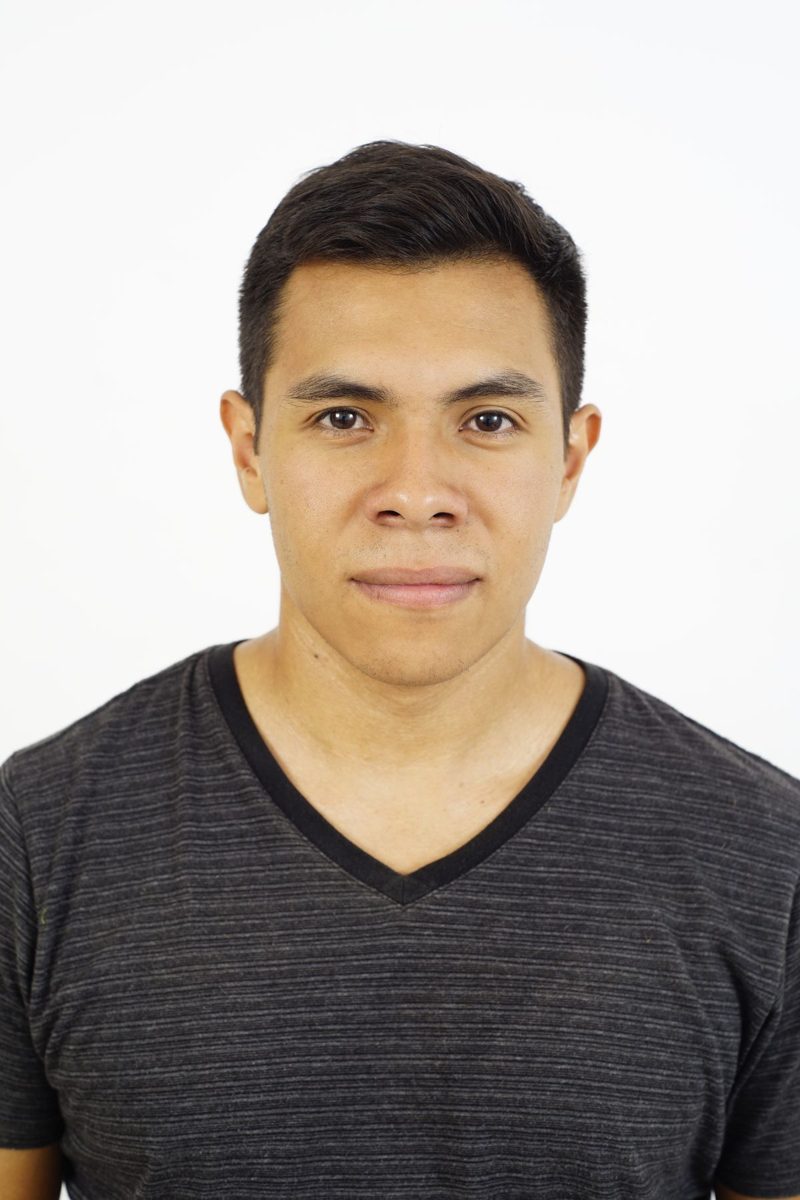
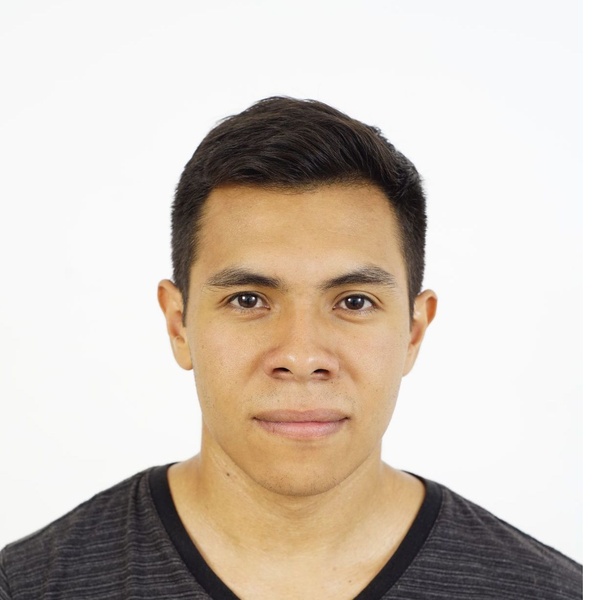
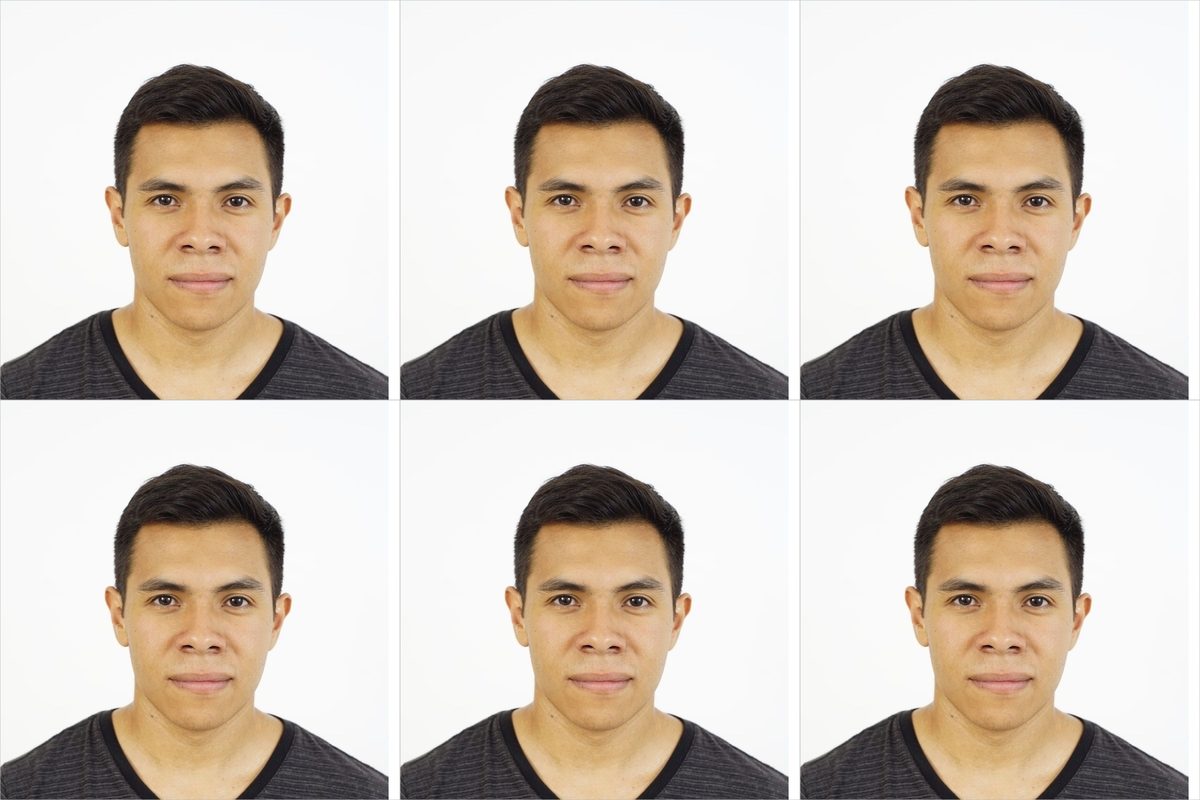
Example photo by Luis Becerra on Pexels, used under the Pexels license.
What the file follows
| Print size | 2 x 2 in (51 x 51 mm) |
|---|---|
| Digital file | 1200 x 1200 px JPEG (600 dpi, prints at 2 x 2 in (51 x 51 mm)) (minimum asked: 1200 x 1200 px) |
| Head | head 1 to 1 3/8 in (25 to 35 mm) from chin to top of hair |
| Background | plain white or off-white: we do not change it, so shoot against a plain wall |
| Print sheet | 4 x 6 in (1800 x 1200 px) tiled with copies and cut lines |
| Source | travel.state.gov (online renewal upload), check the official page before you apply |
Three steps
- Take the photo. Daylight from a window in front of you, plain light wall behind, camera at eye level about 1.2 m away, neutral expression, mouth closed.
- Frame it here. Drag and zoom until hair and chin touch the two lines. The preview is free and shows exactly what you will get.
- Pay and download. You get the digital file for online applications and the 4 x 6 sheet: a kiosk print costs well under a dollar in most US drugstores.
Straight answers
Will my photo be accepted?
We cannot promise it, and nobody honest can: the issuing authority decides. The tool gets the size and head position right; lighting, shadows, expression and background are up to the photo you take.
Do you remove the background?
Not yet. Areas outside your original picture are filled white, but the background you shot stays as it is. A plain light wall gives the best result.
What happens to my photo?
The free preview is never stored. When you pay, the two files are kept on our server so you can download them, and deleted automatically after 24 hours. Payment is handled by Stripe; we never see your card.
Can I get a refund?
Yes, in two cases. If the file does not match the size shown above, or if the form or the authority rejects the photo, write to us within 30 days through the address on the receipt (forward the rejection message if you have one) and we refund the 7.99 USD in full. Files and photos are deleted after 24 hours either way.
How to renew a US passport online
- Check you are eligible. Online renewal is for adults renewing a regular passport that is undamaged, in your possession and recent enough; travel.state.gov lists the exact conditions. First passports and children apply in person.
- Sign in with Login.gov. The application runs through a Login.gov account linked to your email.
- Enter your details. Personal information, the passport you are renewing, your travel plans and an emergency contact.
- Upload the photo. Upload the 1200 x 1200 px file from this page. The State Department reviews the photo after you submit and writes to you if a new one is needed.
- Pay and wait. Pay the fee by card online and keep the confirmation. Your old passport is cancelled once you submit, so do not travel on it.
Official form: travel.state.gov. We are not affiliated with it and you never pay us for the form itself.